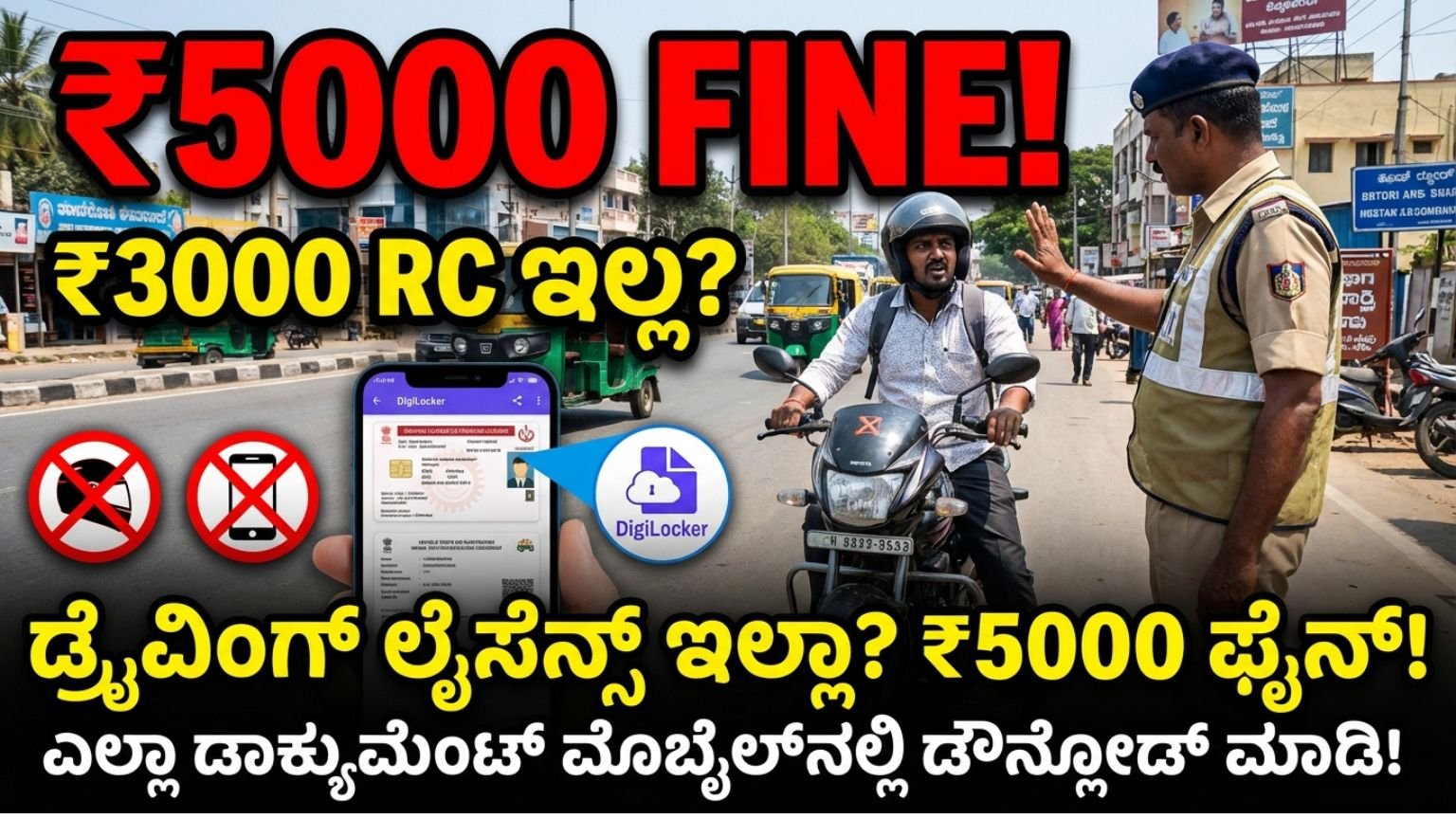
No Driving License? ₹5,000 Fine! No RC? ₹3,000 Penalty! How to Download and Show All Vehicle Documents on Mobile Instantly in India (D L R C Download Complete 2026 Guide)
Traffic rules in India have become stricter than ever. If you are caught riding or driving without proper documents, you may face heavy penalties. Many vehicle owners are unaware that under the updated Motor Vehicles Act, fines have increased significantly.
If you:
- Don’t carry your Driving License – You may be fined up to ₹5,000
- Don’t have your RC (Registration Certificate) – Fine up to ₹3,000
- Use mobile phone while driving – ₹5,000 fine
- Don’t wear a helmet – ₹1,000 fine + possible license suspension
But here is the good news:
You no longer need to carry physical documents everywhere.
Today, you can download and show your Driving License, RC, Insurance, and other vehicle documents directly from your mobile phone within one minute.
In this complete guide, I will explain:
• How to legally show documents digitally
• Which apps are officially approved
• Step-by-step process to download DL and RC
• Whether police will accept digital copies
• How to avoid heavy fines legally
• Important mistakes to avoid
Let’s begin.
Why Traffic Fines Are So High in India Now
The Government of India amended the Motor Vehicles Act to improve road safety and reduce violations. After the amendment, penalties increased sharply to discourage careless driving.
Common fines include:
- Driving without license – ₹5,000
- Driving without RC – ₹3,000
- Riding without helmet – ₹1,000
- Using mobile while driving – ₹5,000
- No insurance – ₹2,000
- Drunk driving – Up to ₹10,000
Many people panic during traffic checks because they forget physical documents at home. However, digital India has solved this issue.Is It Legal to Show Driving License and RC on Mobile?
Yes. It is 100% legal.
The Ministry of Road Transport and Highways (MoRTH) has officially approved digital documents stored in government apps. Traffic police must accept them if shown from authorized platforms.
However, screenshots or WhatsApp photos are not valid. You must show documents through official government apps.
Let’s understand how.
Two Official Apps to Store and Show Vehicle Documents
There are two major government-approved platforms:
- DigiLocker
- mParivahan
Both are legally valid across India.
DigiLocker – Government of India Digital Document Wallet
DigiLocker is a secure cloud-based digital locker provided by the Government of India.
It allows you to store:
- Driving License
- Registration Certificate (RC)
- Aadhaar
- PAN Card
- Insurance details
- Educational certificates
How to Download Driving License in DigiLocker
Step 1: Download DigiLocker app from Play Store or App Store
Step 2: Sign up using your mobile number linked with Aadhaar
Step 3: Verify with OTP
Step 4: Go to “Search Documents”
Step 5: Select “Ministry of Road Transport & Highways”
Step 6: Choose Driving License
Step 7: Enter your DL number
Step 8: Click Get Document
Within seconds, your digital Driving License will appear.
How to Download RC in DigiLocker
Step 1: Open DigiLocker
Step 2: Search “Registration Certificate”
Step 3: Enter vehicle registration number
Step 4: Click Fetch
Your RC will be downloaded and stored permanently in your DigiLocker.
You can access it anytime, even during traffic stops.
mParivahan – Vehicle Services App
mParivahan is another official app from the Transport Department.
It allows you to:
- Check RC status
- Check DL status
- Store digital RC and DL
- Verify vehicle details
- Check challans
How to Use mParivahan
Step 1: Download mParivahan app
Step 2: Sign in using mobile number
Step 3: Add Driving License
Step 4: Add Vehicle Registration Number
Step 5: Save documents
You can show QR-based verified digital documents to police.
Important: Will Traffic Police Accept Digital Documents?
Yes. As per government notification, documents stored in DigiLocker or mParivahan are legally valid under the IT Act.
Police cannot demand physical copies if digital verified documents are shown from official apps.
However:
- Screenshot is not valid
- PDF stored manually is not valid
- WhatsApp forward copy is not valid
Only government app verified document is valid.
Why You Should Always Keep Documents in Your Phone
Here are major benefits:
1. Avoid Heavy Fines
You avoid ₹5,000 or ₹3,000 penalties instantly.
2. No Fear During Checking
You can show documents confidently within one minute.
3. Safe from Loss or Damage
Physical RC or DL can be lost or damaged. Digital copies are permanently stored.
4. Instant Access Anywhere
Even if you travel to another state, digital documents are valid.
5. Environment Friendly
Less paper usage supports digital governance.
What Documents Should You Store on Mobile?
You must store:
• Driving License
• Registration Certificate (RC)
• Vehicle Insurance
• Pollution Under Control (PUC) certificate
• Aadhaar
Having these ready prevents unnecessary tension.
What Happens If You Don’t Have Documents?
Let’s understand consequences clearly.
Driving Without License
Fine up to ₹5,000
Vehicle may be seized
No RC
Fine up to ₹3,000
No Insurance
Fine ₹2,000 for first offence
No Helmet
₹1,000 + possible suspension of license
Using Mobile While Driving
₹5,000 fine
Therefore, digital backup is essential.
How to Check If Your DL or RC Is Active
Using mParivahan:
- Enter vehicle number
- Check registration status
- See owner name
- Insurance validity
- PUC validity
This helps avoid expired document penalties.
What If Your Mobile Has No Internet?
Good question.
In DigiLocker, once document is downloaded, it remains stored in your app. However, verification may require internet for QR validation.
To stay safe:
• Keep mobile data on
• Ensure phone battery is sufficient
• Keep app updated
Common Mistakes People Make
- Showing gallery screenshot
- Showing edited PDF
- Forgetting login password
- Mobile battery dead
- Not linking Aadhaar correctly
Avoid these errors to prevent penalties.
What If Police Still Demand Physical Copy?
Politely inform them that digital documents from DigiLocker and mParivahan are government approved.
If required, request them to verify through QR code in the app.
Most officers are aware of digital validity.
Extra Safety Tips for Drivers
• Always wear helmet
• Do not use phone while driving
• Renew insurance before expiry
• Check PUC validity regularly
• Keep emergency contact numbers
Traffic fines are increasing every year, so awareness is important.
Digital India and Smart Governance
The digital document system is part of India’s Digital India initiative. It reduces corruption, simplifies verification, and improves transparency.
Earlier, people paid bribes because they forgot documents. Now, everything is online.
This system benefits:
• Daily commuters
• Delivery riders
• Taxi drivers
• Rural vehicle owners
• Students
• Farmers
Step-by-Step Quick Summary (1-Minute Setup)
- Download DigiLocker
- Register using Aadhaar-linked mobile
- Fetch DL
- Fetch RC
- Keep app logged in
Done. You are safe from document-related fines.
Frequently Asked Questions
Q1. Are digital documents valid in all states?
Yes, across India.
Q2. Can I show documents on someone else’s phone?
Preferably use your own registered account.
Q3. Is there any fee to use DigiLocker?
No, it is free.
Q4. Can I store multiple vehicles?
Yes.
Q5. Is screenshot valid?
No.
DOWNLOAD link
If you do not have your Driving License, RC, Insurance, or PUC, you could face fines up to ₹5,000 or more. But in today’s digital era, there is no excuse.
Within one minute, you can download and store all vehicle documents legally on your mobile phone using DigiLocker or mParivahan.
This simple step can save you thousands of rupees, avoid unnecessary stress, and make you a responsible citizen.
Don’t wait until you are stopped by traffic police.
Download your documents today and drive safely.